How it works
Three steps, all inside your browser.
- 01
Depth from a photo
A neural network running on your machine estimates how far away every point in the picture is, and turns it into a 3D surface.
- 02
Where are your eyes?
Your webcam tracks your irises. They are almost the same size in everyone, so your distance from the screen is measured in real centimetres.
- 03
Screen becomes glass
Every frame is redrawn for your exact eye position. The screen edge acts like a window frame, hiding and revealing the scene as you move.
Nothing leaves your computer.
- Photos and camera feed stay on your device
- No server, no account, no tracking
- Open source under the MIT license
Samples · photos and .glb 3D models
Pick a scene and look inside.
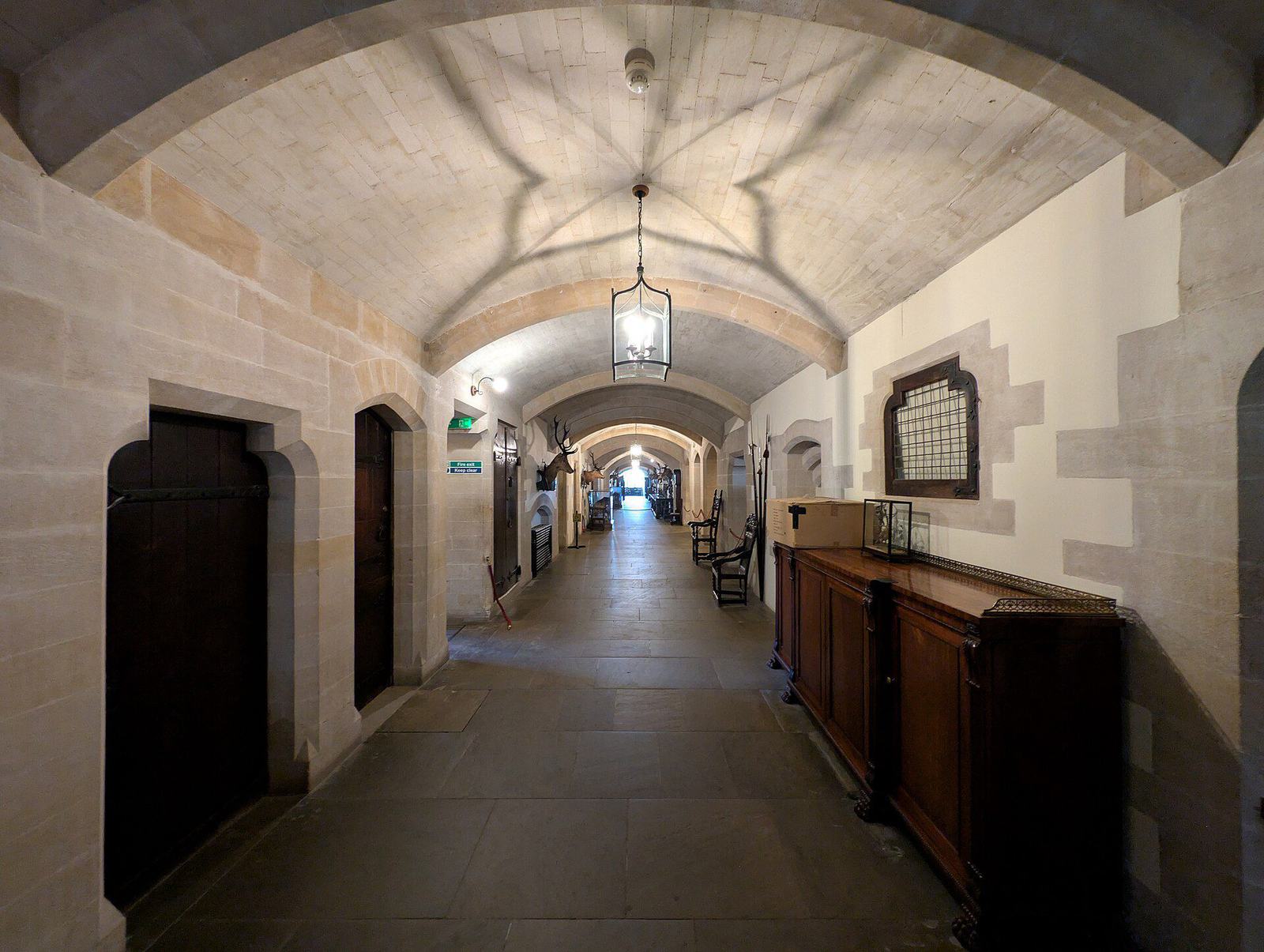
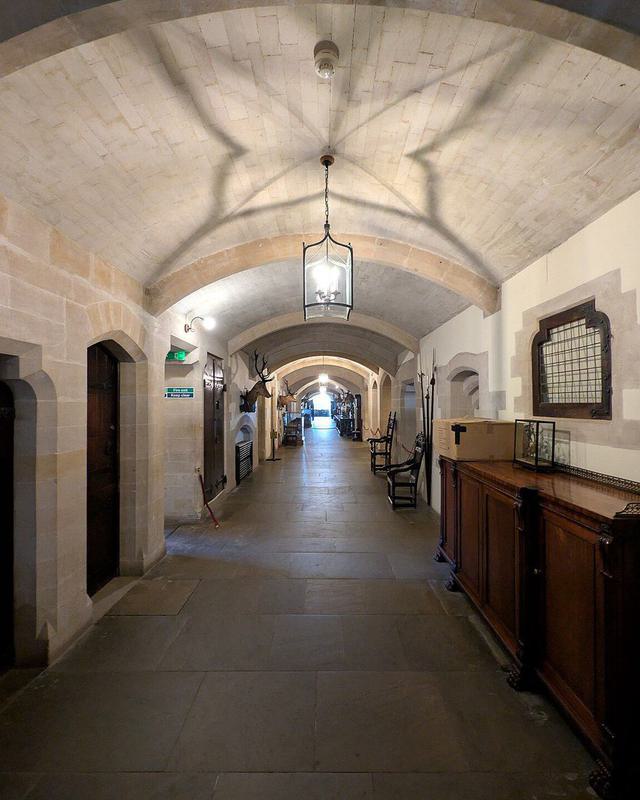 Vaulted corridor
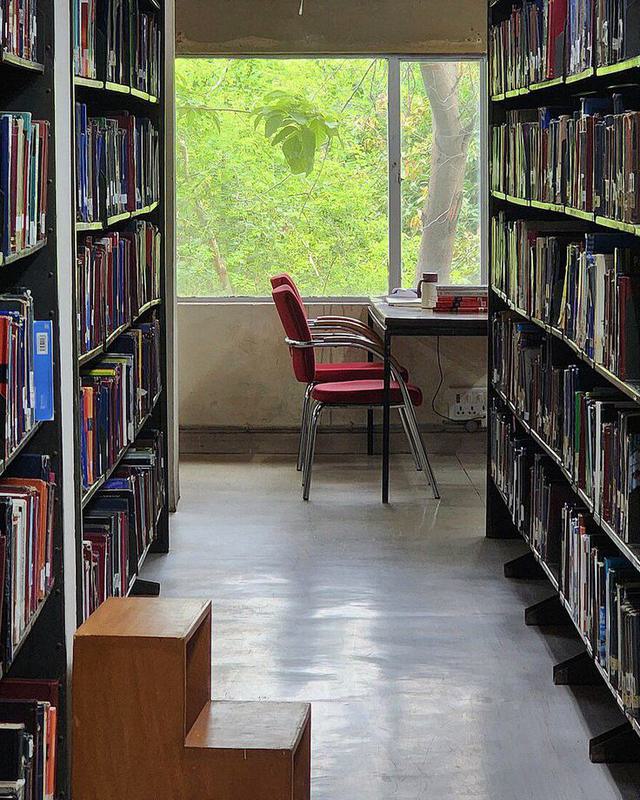 Library
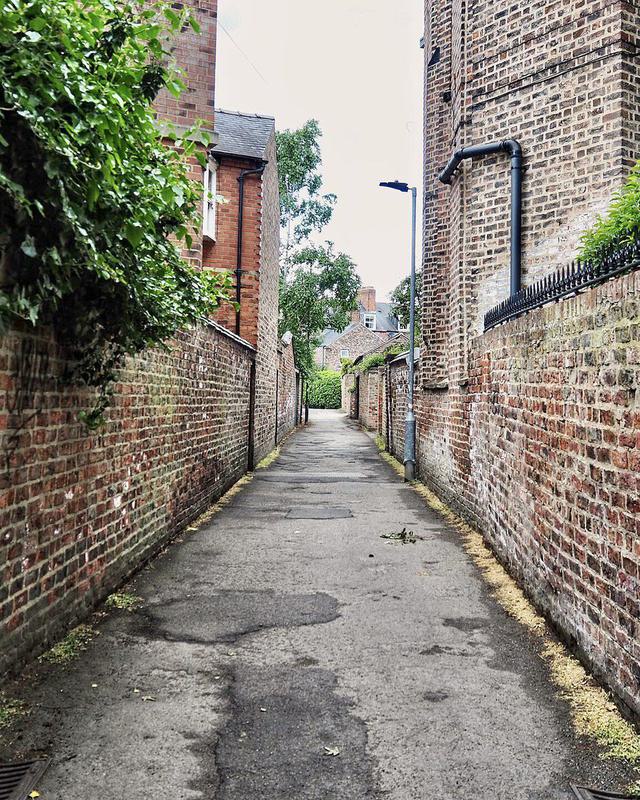 Brick alley
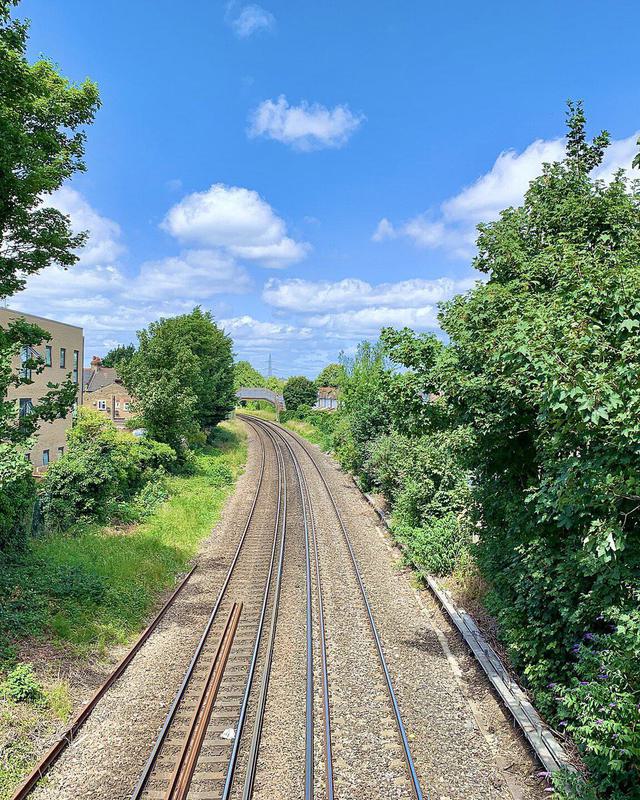 Railway
.glb · 3D model
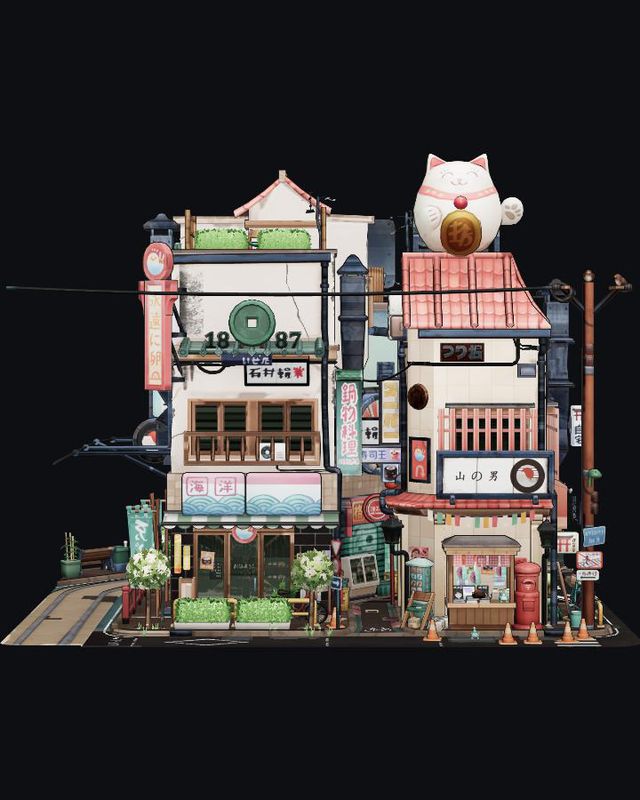 Littlest Tokyo
.glb · 3D model
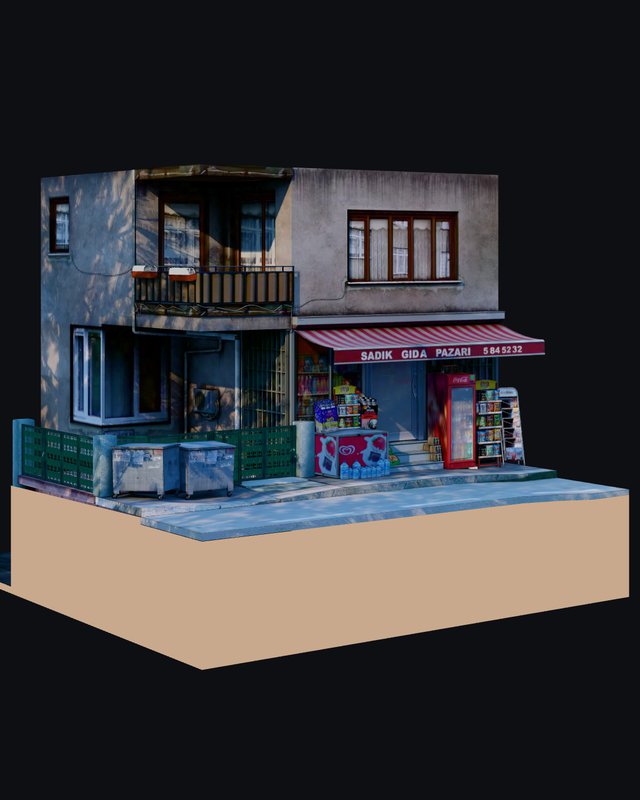 Türk Bakkalı
Also works with 3D models
Deep Window opens .glb 3D models and .spz Gaussian splats too, like the Littlest Tokyo and Türk Bakkalı samples above. In Diorama view a room fills your screen edge to edge, so the screen becomes its fourth wall. Drop your own into the app: small objects float just behind the glass; rooms and landscapes open at life size and you can walk through them with WASD. Splats come from phone scanning apps such as Scaniverse. Up to 100 MB.
For the strongest effect: go full screen, turn on the camera, close one eye and slowly slide your head sideways. Photos with clear depth work best: corridors, streets, a room seen through a doorway. Chrome or Edge recommended; the depth model downloads once on first use.